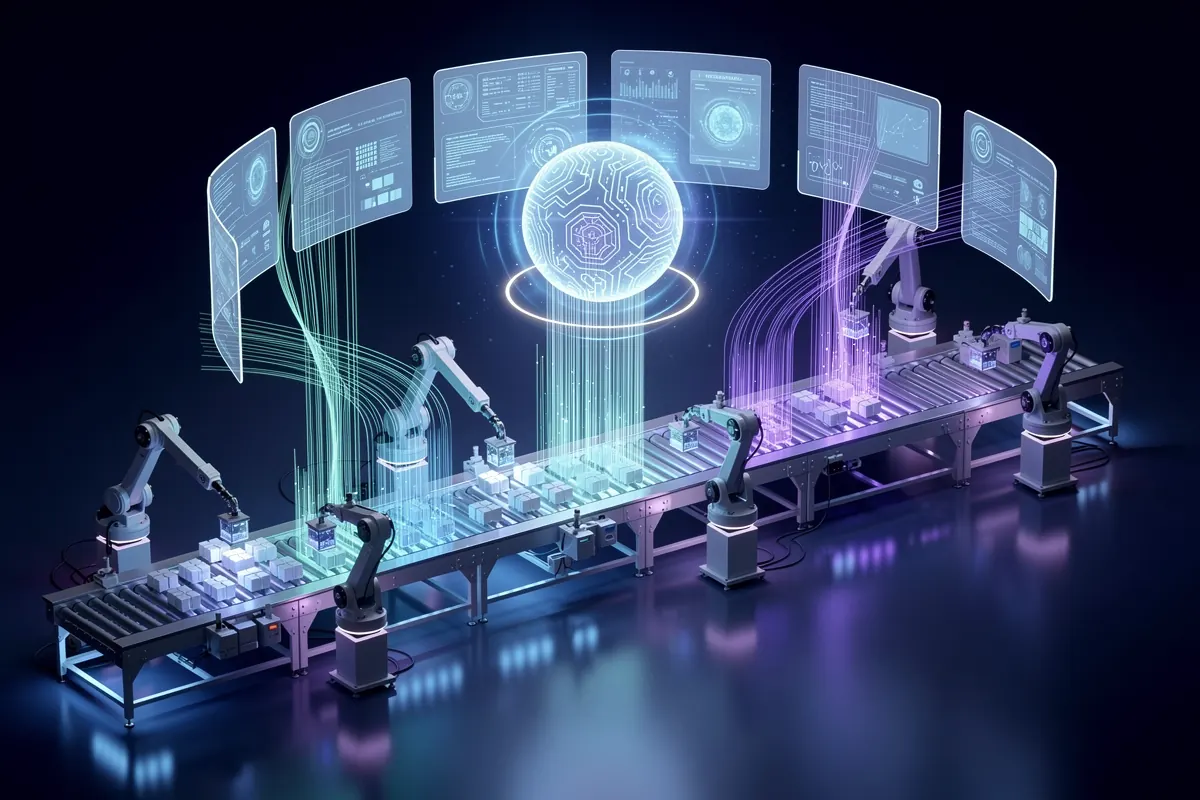

A legacy system does not need a modern AI feature set to participate in an AI workflow. It needs a controlled way to expose the right data and actions.
AI integration services create that layer. They connect custom AI agents and automated pipelines to older ERPs, CRMs, databases, desktop software, document repositories, and industry platforms without giving a model unrestricted access or forcing a full replacement first. Learn more about our specialized AI integration services.
The integration problem
Most established companies do not have one clean system. A typical workflow may cross:
- An ERP installed years ago
- A CRM with partial customer records
- Shared spreadsheets
- Email attachments
- A network drive or document repository
- A desktop application
- A modern support or e-commerce platform
The hard part is not generating text. It is maintaining identity, permissions, state, and error recovery across these systems.
Six ways to connect AI to legacy systems
| Method | Best when | Main constraint |
|---|---|---|
| Existing API | The vendor provides supported endpoints | Coverage may be incomplete |
| Integration service layer | Several consumers need controlled access | Requires custom engineering |
| Database access | Data is available but no useful API exists | Writes can bypass business rules |
| Files and scheduled exchange | Batch processing is acceptable | Data is not real time |
| Message queue or event bridge | Reliability and decoupling matter | Legacy changes may still be required |
| User-interface automation | No supported backend access exists | Screens are fragile and harder to test |
1. Use the existing API
A vendor-supported API is normally the safest option because it respects application rules and receives official maintenance. Before committing, verify:
- Required objects and fields are available
- The API supports both reads and necessary writes
- Rate limits match the workflow
- Authentication supports service accounts
- A test environment exists
- Error responses are documented
An API label alone is not enough. Many older products expose only a fraction of the actions available in the user interface.
2. Build an integration service layer
A custom service layer presents a small, stable interface to the AI system. It can translate old identifiers, validate inputs, enforce permissions, handle retries, and hide legacy complexity.
For example, the agent may call one controlled action—create_service_request—while the integration layer handles customer lookup, location validation, duplicate detection, priority rules, and the final ERP transaction.
This is often the strongest architecture because model behavior stays separate from core-system rules.
3. Read from the database carefully
Direct database reads can provide access where no application API exists. Use read replicas or reporting views where possible, and expose only the fields the workflow needs.
Direct writes are riskier. They may bypass application validation, audit behavior, triggers, and downstream processes. If database writes are unavoidable, place them behind deterministic services with strict tests and approvals.
4. Exchange files
CSV, XML, JSON, fixed-width files, and secure file transfer remain common in finance, manufacturing, logistics, and healthcare. AI can still add value around a batch workflow:
- A legacy system exports a file.
- The integration validates and transforms it.
- AI classifies or enriches defined fields.
- Business rules validate the output.
- An import file returns to the source system.
- Exceptions go to an operator.
File exchange is slower than an API but often more supportable than fragile screen automation.
5. Add queues and events
A message queue separates the old system from the new workflow. If one service is unavailable, the event can wait and retry without losing the transaction.
Queues are valuable for long-running work, high volume, and processes where partial failure would otherwise create inconsistent records.
6. Use user-interface automation as a last resort
Robotic user-interface automation can enter data through the same screens employees use. It is useful when no supported backend path exists, but layout changes, pop-ups, timing, and session behavior make it fragile.
Use it for bounded actions, monitor failures closely, and keep a plan to replace it with a supported interface when possible.
A reference architecture
A production legacy integration normally separates five layers:
- Channel: chat, voice, email, form, or internal application
- AI decision layer: classify, retrieve, extract, or draft
- Policy layer: permissions, limits, approvals, and validation
- Integration layer: translate and execute controlled system actions
- Systems of record: ERP, CRM, database, document store, or desktop application
The AI layer should not build raw database queries or invent transaction payloads. It should select from documented tools whose inputs are validated before execution.
Read access and write access are different projects
A read-only agent can retrieve inventory, customer history, or policy information without changing the source. A write-enabled agent can create orders, update records, schedule work, or issue credits.
Before enabling a write, define:
- Who is allowed to request it
- Which fields may change
- Validation rules
- Approval threshold
- Duplicate protection
- Retry behavior
- Audit record
- Rollback or correction process
Start read-only, then add the smallest useful write after evaluation.
Common legacy integration use cases
Customer support
Retrieve account history, contracts, order status, and prior cases; draft an answer; create or update a support record.
Field service
Verify service coverage, identify equipment, check technician skills, offer slots, create a work order, and send confirmation.
Finance operations
Extract invoice data, match purchase orders, check tolerances, and route exceptions without allowing the AI to approve payment.
Sales operations
Combine inquiry data with customer and product records, assign ownership, prepare a brief, and update the CRM.
Manufacturing
Summarize maintenance history, classify downtime reports, retrieve procedures, and create reviewed maintenance requests.
Security controls
A secure design uses:
- Narrowly scoped service accounts
- Role-based access
- Network restrictions
- Encryption in transit and at rest
- Secrets stored outside prompts and code
- Input and output validation
- Complete action logs
- Data minimization and retention limits
- Human approval for high-consequence actions
Do not copy an entire legacy database into a model-accessible store because it is convenient. Index only the information required for the workflow and preserve source-level permissions where needed.
Testing requirements
Build an evaluation set from real cases, including:
- Missing identifiers
- Duplicate records
- Conflicting values
- Unavailable systems
- Timeouts after partial completion
- Unauthorized requests
- Out-of-date documents
- Unexpected formats
- Repeat delivery of the same event
Test the completed workflow, not only the model response. A correct answer followed by a failed CRM update is still a failed case.
A phased rollout
Phase 1: map and observe
Document the workflow, owners, systems, data, volume, and exceptions. Establish baseline cycle time and error rate.
Phase 2: read-only assistant
Retrieve information and recommend actions without changing source systems. Compare recommendations with human decisions.
Phase 3: controlled writes
Enable one low-risk action behind validation and approval. Add idempotency so retries cannot create duplicates.
Phase 4: expand by evidence
Increase volume, actions, or autonomy only when logs show stable performance and operators trust the exception path.
Cost drivers
Legacy integration cost rises with:
- Missing documentation
- No test environment
- Direct writes to core systems
- Several data formats and identifiers
- Real-time response requirements
- High transaction volume
- Strict uptime and recovery targets
- Regulatory controls
- Vendor or internal access dependencies
For regulated industries, data boundary isolation is non-negotiable. Review our framework on LLM data security and B2B vendor evaluation to ensure customer PII and proprietary corporate records remain isolated from model training pipelines.
A full core system replacement may eventually be justified, but integration creates tangible ROI within weeks and clearly demonstrates where future modernization budget should be prioritized.
Questions to ask an integration partner
- Which connection method do you recommend, and why?
- What business rules sit between the model and the source system?
- How do you prevent duplicate or partial transactions?
- How will the system behave when the legacy platform is unavailable?
- What can operators see and correct?
- How are permissions and secrets managed?
- What is the path away from fragile components?
- Who supports the integration when either side changes?
Architectural patterns for resilience
When deploying production agents against fragile legacy infrastructure, incorporate these proven patterns:
- Change Data Capture (CDC): Instead of polling heavy databases every minute, read transaction logs directly using CDC tools (like Debezium) to push updates to AI consumers without stressing the primary database.
- Idempotency Tokens: Every state change triggered by an agent must carry a unique transaction UUID. If a network blip occurs during confirmation, a retry will safely no-op rather than duplicate orders or charges.
- Queue-Backed Asynchrony: Place resilient message brokers (e.g. RabbitMQ, Redis, or Kafka) between the agent decision engine and the legacy API. If the ERP slows down under end-of-month reporting load, agent operations queue cleanly rather than failing user requests.
Final recommendation
Do not start by connecting “AI” to the whole legacy estate. Select one bounded workflow, expose the minimum data and actions it needs, and put a deterministic service layer between the model and the system of record.
That architecture creates immediate value without making the legacy platform—or the model—more powerful than it needs to be.
Cogniq AI builds custom integration layers, agents, and operational software around the systems companies already run. Explore our comprehensive AI engineering services to see how we bridge modern models with enterprise architectures.
Schedule a strategy call with Cogniq AI or reach out directly through our contact page to map a safe, high-leverage first integration.